
Sovereign Hosting in Europe
by Daniel
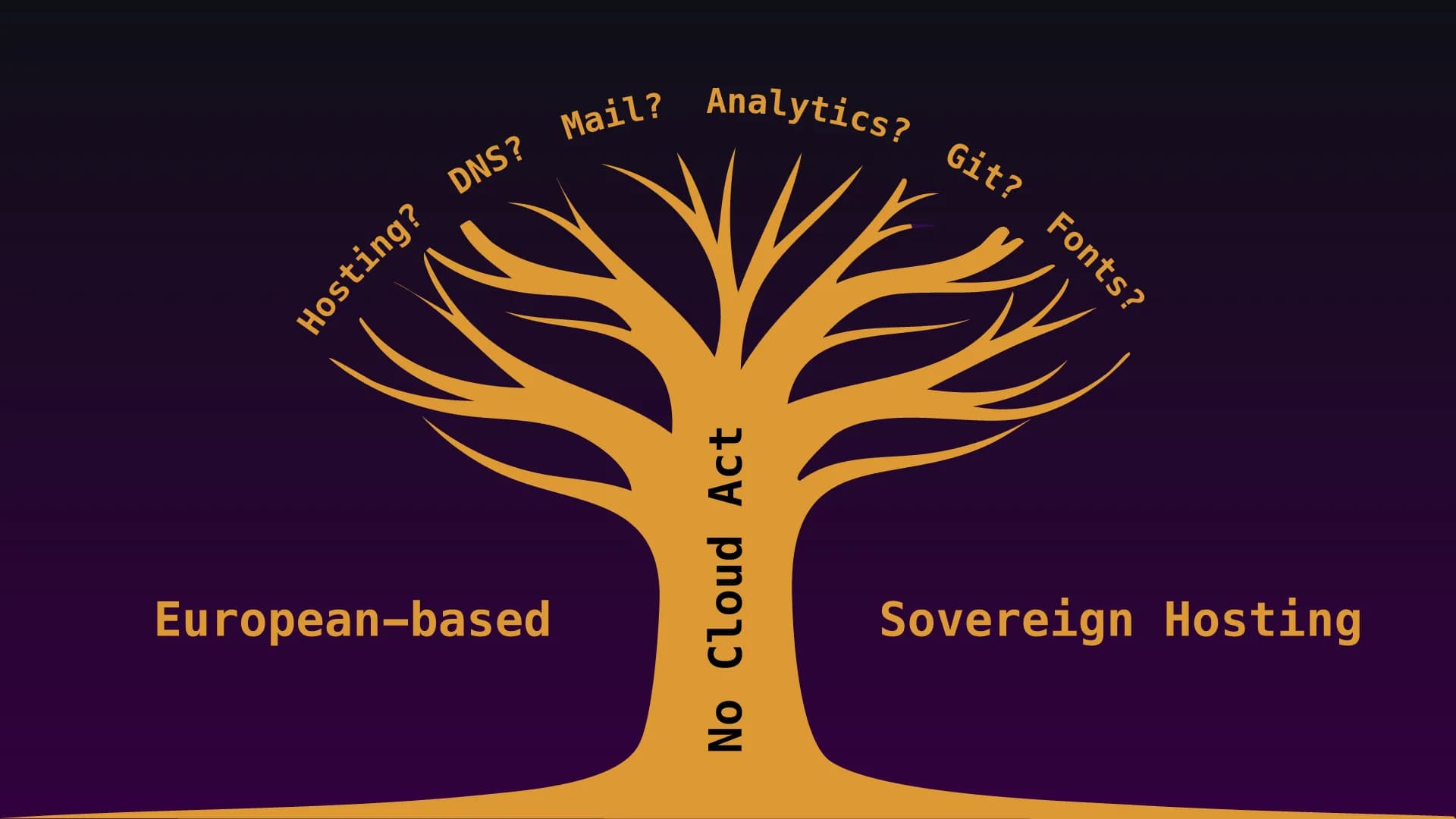
How Well Does Web App Hosting Work Without a Cloud Act Provider?
The honest blueprint behind The Honeypot Files: What came first, what I screwed up, and how I’d do it next time.
Welcome to The Honeypot Files. I’ll show you how this blog is built - layer by layer, in the order it happened. Including the places where I shot myself in the foot. Because: Everyone does security. The most honest way to learn it is when someone reveals where they took a wrong turn.
No Cloud Act Providers - It’s Just a Pipe Dream
It didn’t start with technology, but with a mindset: no Cloud Act providers on the critical path. It sounds like a detail for data protection nerds, but it’s the root from which every subsequent decision grows. Set “sovereign, self-hosted, in Europe” as your moonshot - and suddenly dozens of questions answer themselves: not GitHub, but Codeberg. Not Google Fonts, but self-hosted. Not Vercel, but our own server. Not Google Analytics, but something cookie-free that we run ourselves. YouTube is allowed in. We love YouTube. But it has to knock and wait outside until it’s let in.
The rest of the project is basically a logical extension of that one sentence. Every layer is an answer to the same question: How do I remain independent without sacrificing security or usability?
First the virtual metal, then the app
The most important rule of order in the entire project: You harden the empty server before anything valuable is on it. First, the foundation - a single, manageable server in Germany. Deliberately a single server instead of a distributed “zoo,” because you can only protect what you understand. Well… sort of understand, in my case.
Immediately followed by basic hardening: SSH via key only (password login completely disabled), root login disabled, day-to-day operations via an unprivileged deploy user. A host firewall that only leaves the bare essentials open - and ufw-docker on top of that, because otherwise Docker simply bypasses your firewall for its ports. Yes, you read that right: You dutifully set up your ufw rules, and Docker publishes its port to the internet anyway. One of the meanest traps ever. How could you, Docker?
Another conscious decision: no PaaS for now (Coolify was actually supposed to handle everything via a pipeline), but rather lean docker-compose. The trade-off is a bit more manual work. But we’re IT guys. We’re used to manual work. The benefit: everything is traceable and fixable on your own - no magical layer standing between you and your server in an emergency. For a project that wants to understand its own infrastructure, that’s the right trade-off. Maybe Coolify will come later, as the project grows. We’ll see...
The backbone: two doors
Before the app was even allowed to go live, we made the architectural decision that underpins everything that followed: a reverse proxy (Traefik) with two separate doors.
The public gateway leads through the WAF to the app and displays only the blog. The admin gateway exists exclusively via a WireGuard VPN tunnel - that’s where /backdoor (yes, that’s the name of my admin interface), the API, and the analytics dashboard are hosted. For the open internet, the admin interface simply doesn’t exist. 404. Nada. Dead end.
This is the most elegant security improvement in the entire stack: it simply removes an entire class of attacks - everything related to login and admin - from the internet. You can’t attack what you can’t see.
Two details worth mentioning: Traefik doesn’t get a Docker socket (which would effectively grant root access on the host), but instead reads its routing from a file. And the admin portal intentionally bypasses the WAF - otherwise, the CMS’s rich-text POSTs would constantly trigger false positives, and the admin traffic is already secured via VPN anyway. It’s precisely these “why an exception is safer here” moments that are the poor man’s icing on the cake.
Control access before anyone knocks
Access control came even before the first public byte - you install door locks before guests arrive, not after. We know exactly which guests we’re talking about. Right, Barbara? Roles (Owner > Admin > Editor), field-level access control against “mass assignment” (someone sneaks in a field during saving that they’re not even supposed to set), and mandatory MFA via TOTP for everyone.
Plus, dedicated recovery codes - ten one-time-use, hashed codes, never stored in plain text - and an Owner “Break Glass” account, whose credentials are stored offline and isn’t used at all in day-to-day operations. The “day-to-day account ≠ emergency account” model is simple and brutally effective. Don’t be the person who secures themselves with one password named “Password” and a Post-it note on the monitor.
Going public - with a shield and privacy
When the blog went live, the WAF was put in place (OWASP CRS via ModSecurity) - initially in DetectionOnly mode. It came, saw, and logged, but didn’t block anything (yet). That was intentional, barely laziness: first observe one or two weeks of real traffic, fine-tune the false positives, then activate it fully. A WAF that blocks traffic on day one - and in the process locks out legitimate users - does more harm than good.
At the same time, the privacy layer - again derived from the moonshot project - includes cookie-less audience measurement, YouTube via click-to-load only (no contact with Google until you actively click “Play”), and self-hosted fonts. The beauty of it: Privacy by Design makes the cookie banner obsolete. If nothing requiring consent lands on your device, there’s simply nothing to bother you about.
Keeping Data Secure - and My Brain Poop
Now comes the most important lesson in sequencing for this project: media and backups. Images were initially hosted on a local volume, then moved to private object storage (S3, streamed through the app), with automatic WebP conversion. And separately, an encrypted, versioned offsite backup using Borg, which backs up the DB, analytics DB, and media in one single daily snapshot - including a restore test, because an untested backup is just a rumor. Right, Barbara?
Now for the “brain poop” part: Backups actually belong right at the very beginning - before the first real data even exists. I didn’t set up the media backup until the images were already in S3, and that’s when I realized the first backup version only covered the DB. A backup that you only set up once you already have production data fails to cover precisely that risky initial phase.
The IPv6 Mystery
Then dual-stack IPv6 - technically “just” reachability via both protocols, but in reality a little detective story. Server IPv6-ready, ports bound, firewall open, ping went through - and yet every page request was stalling.
After checking all the usual suspects (MTU, firewall, routing), the culprit turned out to be an incorrect AAAA record: It pointed to the /64 network address instead of the host. A tcpdump capture showed the SYN packets going nowhere - sounds like me. The lesson and the best takeaway from this: The infrastructure was correct the whole time. The bug was in a single DNS field.
The Finishing Touches - and an Instructive Crash Landing
Finally, the polish, in a concentrated hardening sprint. At the transport layer: TLS 1.3-only (nothing below that, pentest-proof), then - via a Traefik version upgrade - Post-Quantum Key Exchange (X25519MLKEM768) - protection against “harvest now, decrypt later,” i.e., capturing traffic today and cracking it in X years with a quantum computer. In addition, sniStrict and a CAA record that specifies that only Let’s Encrypt may issue certificates for the domain.
On the runtime layer: rate limiting and container hardening (no-new-privileges, memory limits, capabilities dropped). And here’s the most instructive mishap: setting cap_drop: ALL on Traefik stripped the root process of its ability to read its own mounted configuration. Traefik failed to start, and the site was briefly down. Fix: For a root container that reads bind mounts, do not use cap_drop: ALL. Hardening can sometimes backfire.
# compose.yaml — container hardening (excerpt)
services:
  app:
    security_opt:
      - no-new-privileges:true   # no privilege gain at runtime
    cap_drop:
      - ALL                      # all Linux capabilities stripped
    mem_limit: 512m              # memory cap against runaway processes
    restart: unless-stopped
Evidence Instead of Assumptions
One element that’s often missing: I examined my own Satellite Industries toilet from the outside through the eyes of an attacker (a mini-threat model), prioritized the findings, addressed two of them immediately (rate limiting, container hardening), and honestly marked the rest as open. Here’s the external evidence: SSL Labs A+, Trivy scan with all zeros. Finding → Fix → Re-Test isn’t just good security practice - it’s also very boring.
And what would have been the best order?
If I were to build it from scratch today, the ideal sequence would be:
- Server and OS hardening on the blank system
- The two-door architecture
- Auth & MFA
- Backups - right now, before the first real date
- The app and its data
- Media + S3
- The public layer (WAF in monitoring mode, privacy)
- Transport and runtime hardening
- IPv6 and fine-tuning
- Continuous verification
The common thread: security and recoverability come first; features come later. In my actual approach, I moved some features (S3, Umami, IPv6) ahead of the final hardening - it worked, but ideally, hardening should accompany features, not trail behind them.
What I deliberately left open - and why
Finally, the honest part that commands the most respect from a security audience: what hasn’t been implemented, along with the reasoning.
- HSTS preload has been deliberately postponed: The header already protects virtually everyone. However, inclusion in the browser’s preload list is effectively permanent and would lock every future subdomain into HTTPS forever - a single TLS failure would then completely lock users out. For a project that’s still growing, the added benefit isn’t worth the rigidity.
- Netbird (MFA on the tunnel) has been put on hold: Self-hosting would entail an entire identity stack, creating a circularity (access control would run on the server it’s supposed to protect) - and there’s already true TOTP MFA behind the tunnel anyway.
- Dependabot is out because it’s owned by GitHub (US); the excellent alternative, Renovate, is still overkill for a solo project. For now, a periodic npm audit and the Trivy scan are sufficient.
That wraps up the tour. No stack is ever “finished” - security is a speedrun without a finish line, where a new “skip” regularly pops up. But now you know how each layer came about here, in what order, and where I’d take an earlier turn next time. Do you really need to harden a small private blog like this? Of course not, but the principle generally applies to web applications with a similar stack - maybe even to an online store. Plus, we want to explore the limits of sovereign EU hosting. And besides, the blog is now pretty laser. Like a 40-pounds chainmail at a Styrofoam LARP.
Have fun browsing. Turn on MFA. Think purple.